

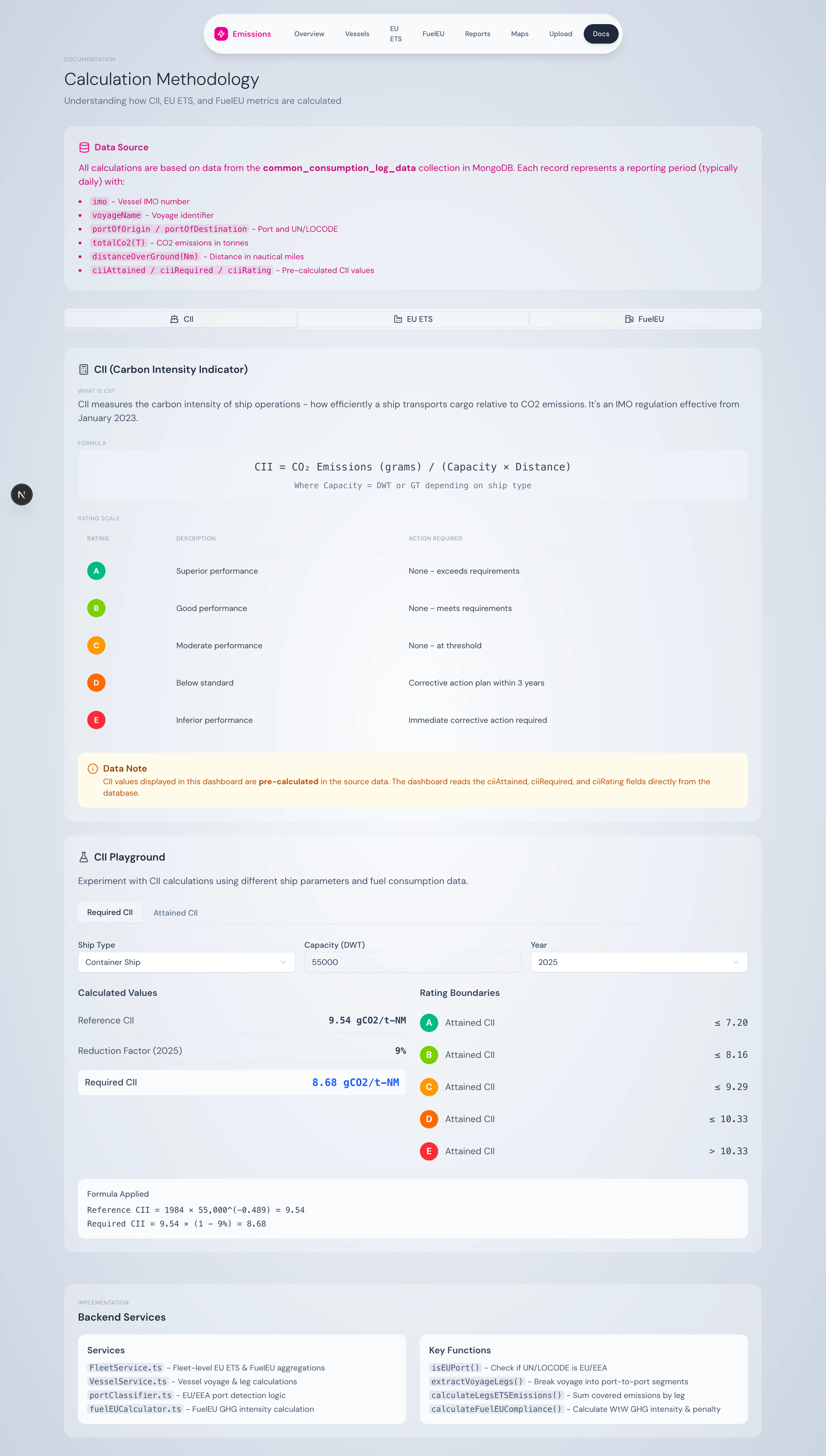
Methodology explorer — three tabs: CII, EU ETS, FuelEU.
Three tabs
CII tab
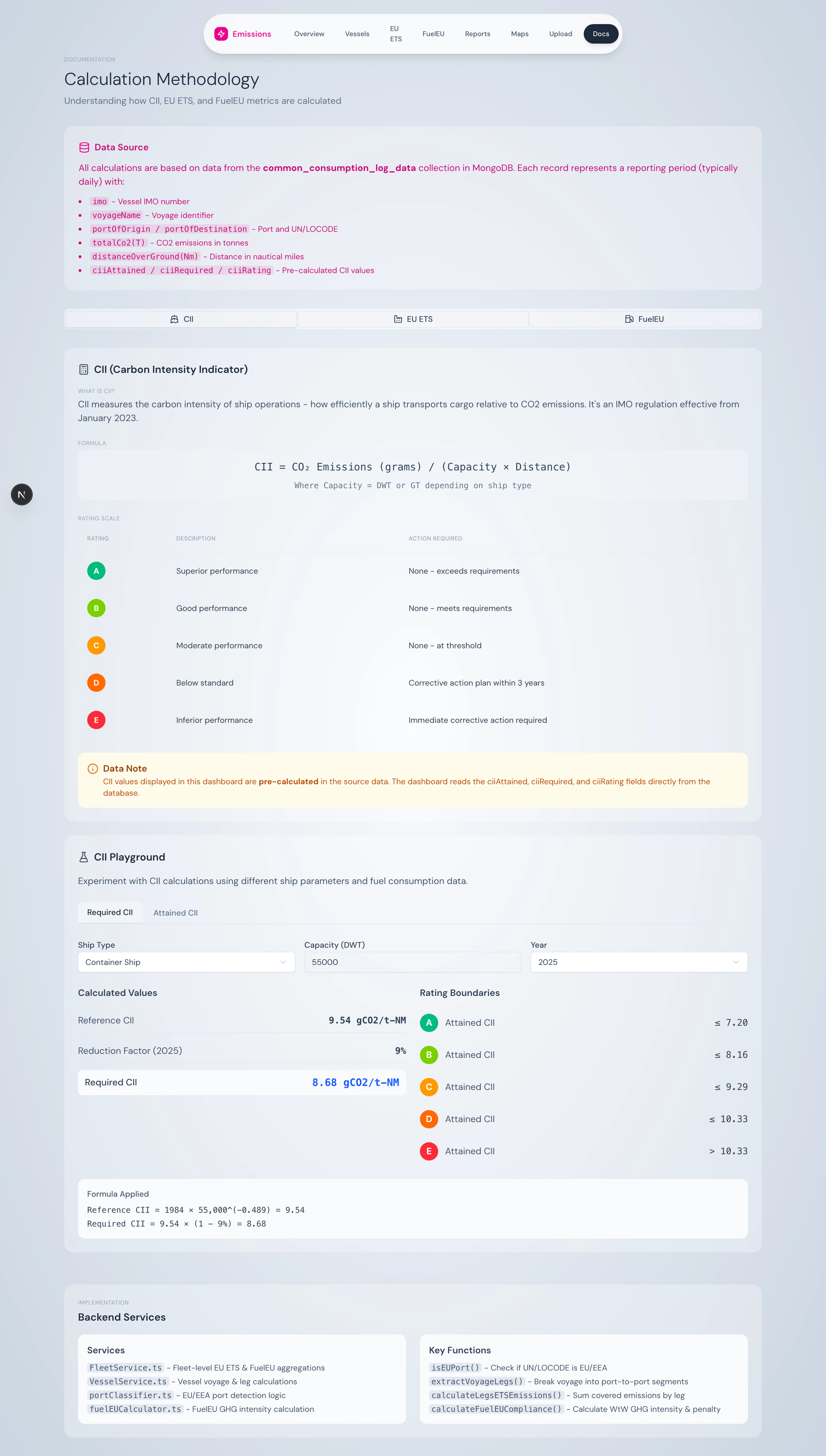
CII tab with Required and Attained calculators.
- Plain-language explanation of CII and the A–E rating scale
- Reference-line formula
CII_ref = a × Capacity^(-c)with a explanation ofaandcper ship type - Required CII calculator — enter ship type, capacity, year → get the required value and reduction factor for that year
- Attained CII calculator — enter CO₂, capacity, distance → get attained CII plus the corresponding rating
EU ETS tab
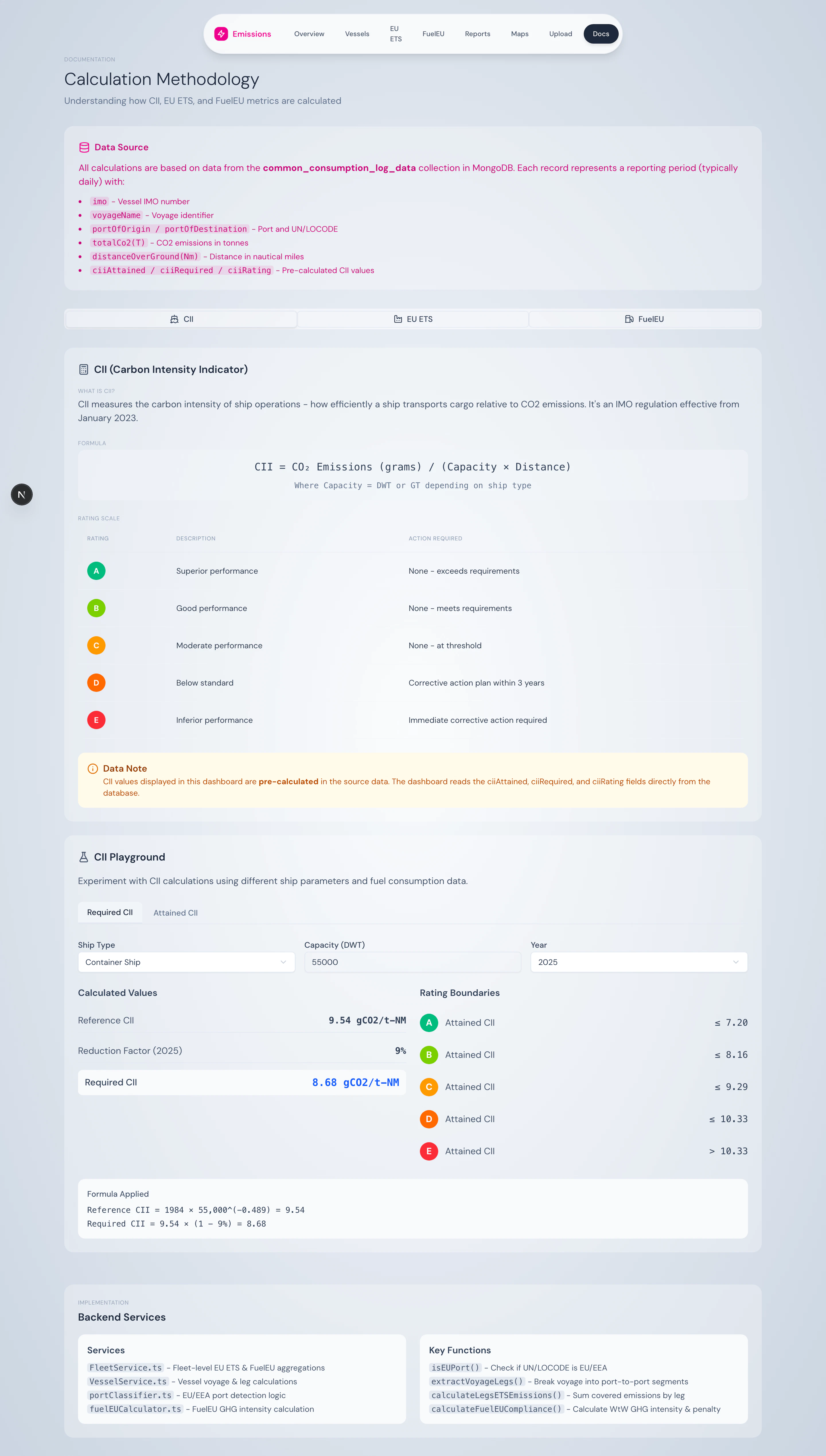
EU ETS tab with calculator.
- Voyage classification table and coverage factors
- Phase-in schedule (40% / 70% / 100%)
- EU ETS calculator — enter voyage CO₂, voyage type, year, EUA price → get coverage %, phase-in factor, ETS emissions, and EUR cost
FuelEU tab
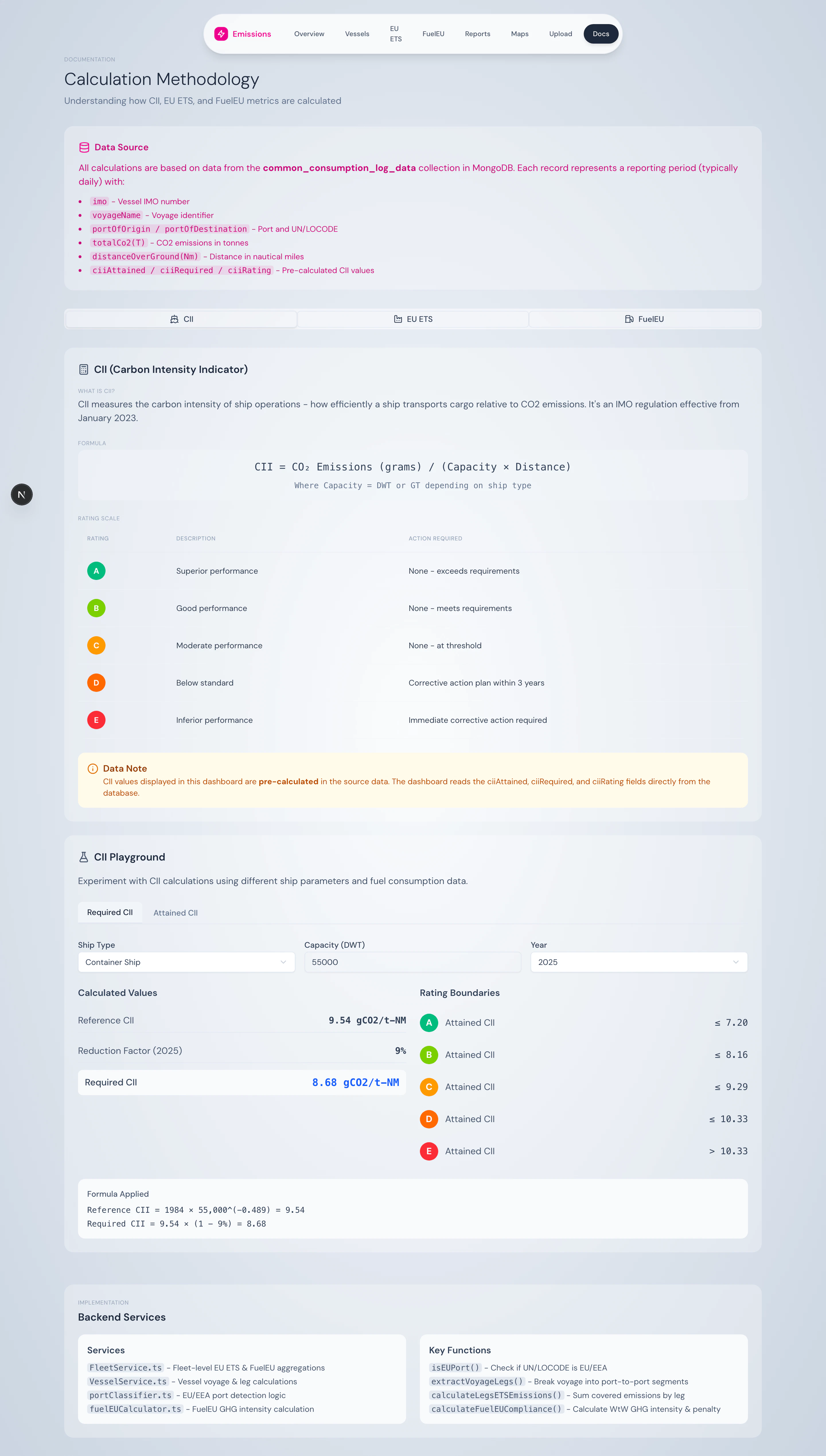
FuelEU tab with WtW calculator.
- Plain-language WtW = WtT + TtW explanation
- Full reduction pathway 2025–2050
- Annex II default emission factors for every supported fuel
- FuelEU calculator — enter fuel type, tonnes, year → get WtT, TtW, WtW, fleet-equivalent intensity, compliance status, and projected penalty
What you can do here
- Verify numbers from the dashboard against a manual calculation
- Train new team members on the regulatory mechanics
- Model what-if scenarios before committing data: “what would CII look like if we bunkered 200 t of LNG instead of HFO?”
- Reference the official formulas without leaving the platform
Source
UI undersrc/app/methodology/. Calculator inputs reuse the same calculation utilities (ciiCalculator.ts, fuelEUCalculator.ts, portClassifier.ts) that power the production dashboard — there’s no separate “demo” code path.