Walk through the platform end to end — from fleet KPIs to a downloadable CII Statement.
This tour shows what an evaluator typically looks at first. It assumes you already have data loaded for at least one vessel and one year; if not, jump to Excel upload format first.
Want to follow along on the live app? Open the demo dashboard in a new tab — it has a demo fleet preloaded so every step below works out of the box.
1
Pick a year
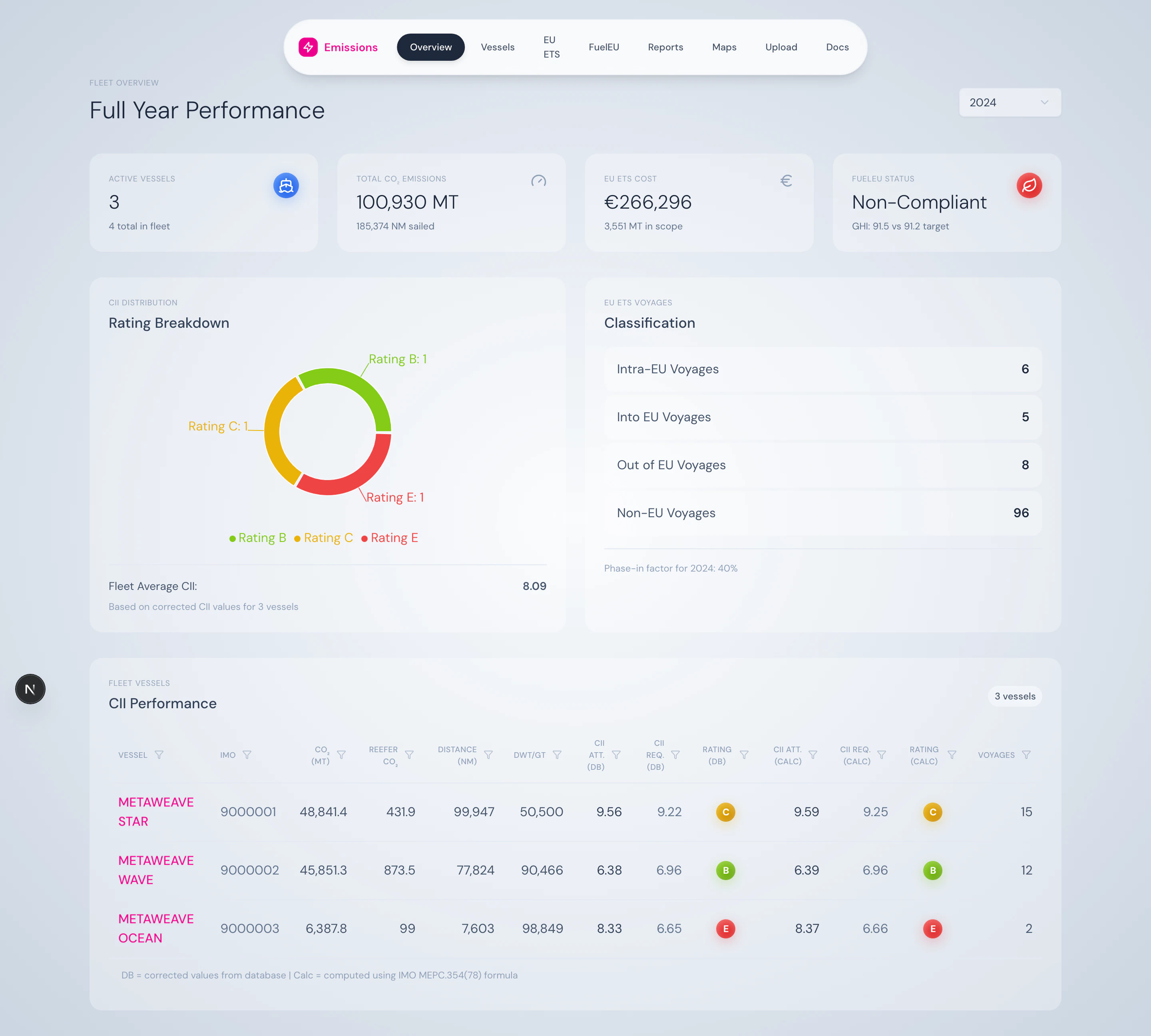
The year selector in the header drives every page in the app. Choose any year that has data — or stay on the current year and toggle YTD for year-to-date.
Year selector with YTD toggle for the current year.
2
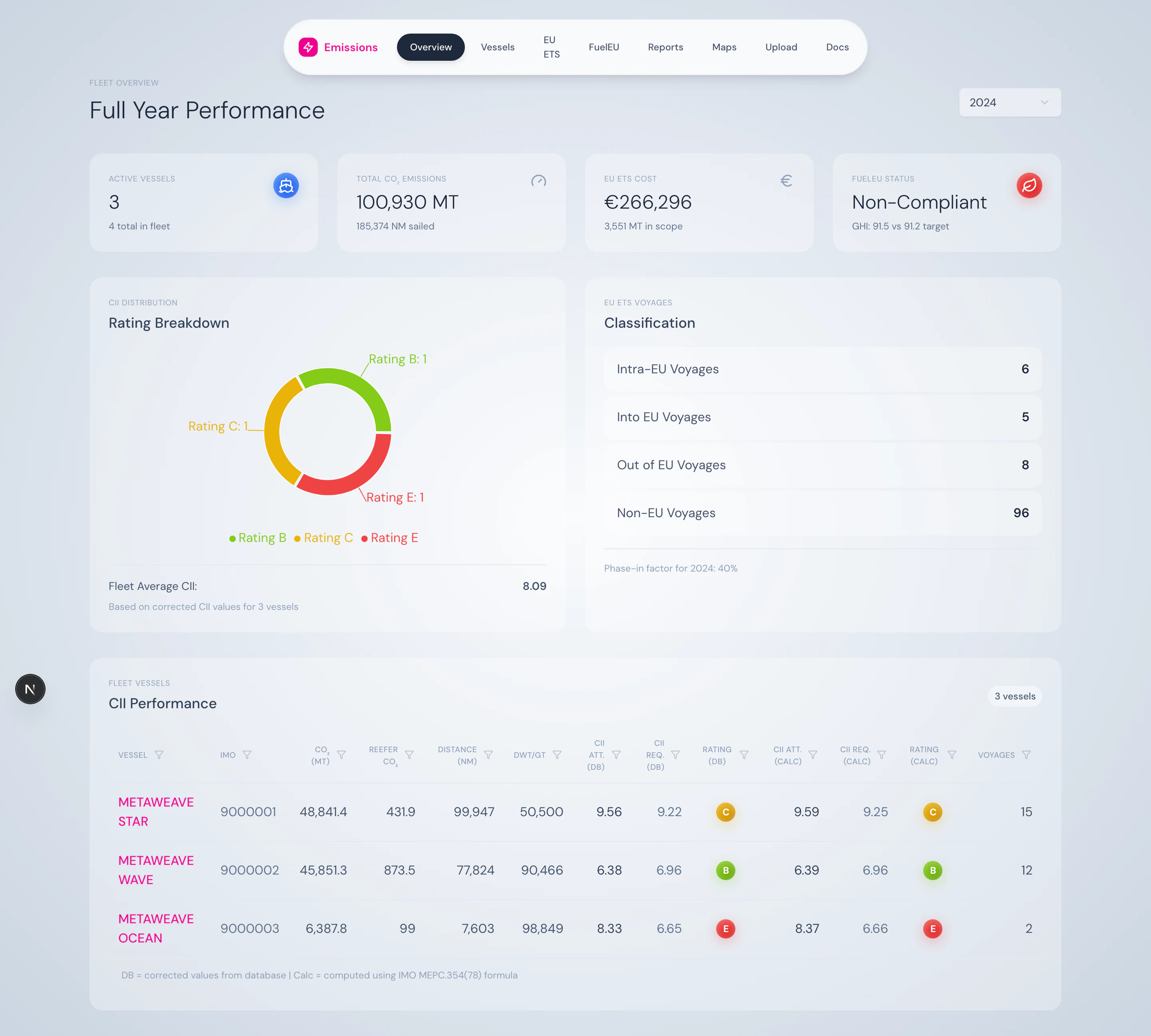
Read the fleet at a glance
The home page tells you four things instantly: how many vessels reported, total CO₂, EU ETS cost so far, and FuelEU compliance status — plus the A–E distribution across the fleet.
Four summary cards plus the CII A–E distribution.
3
Drill into a vessel
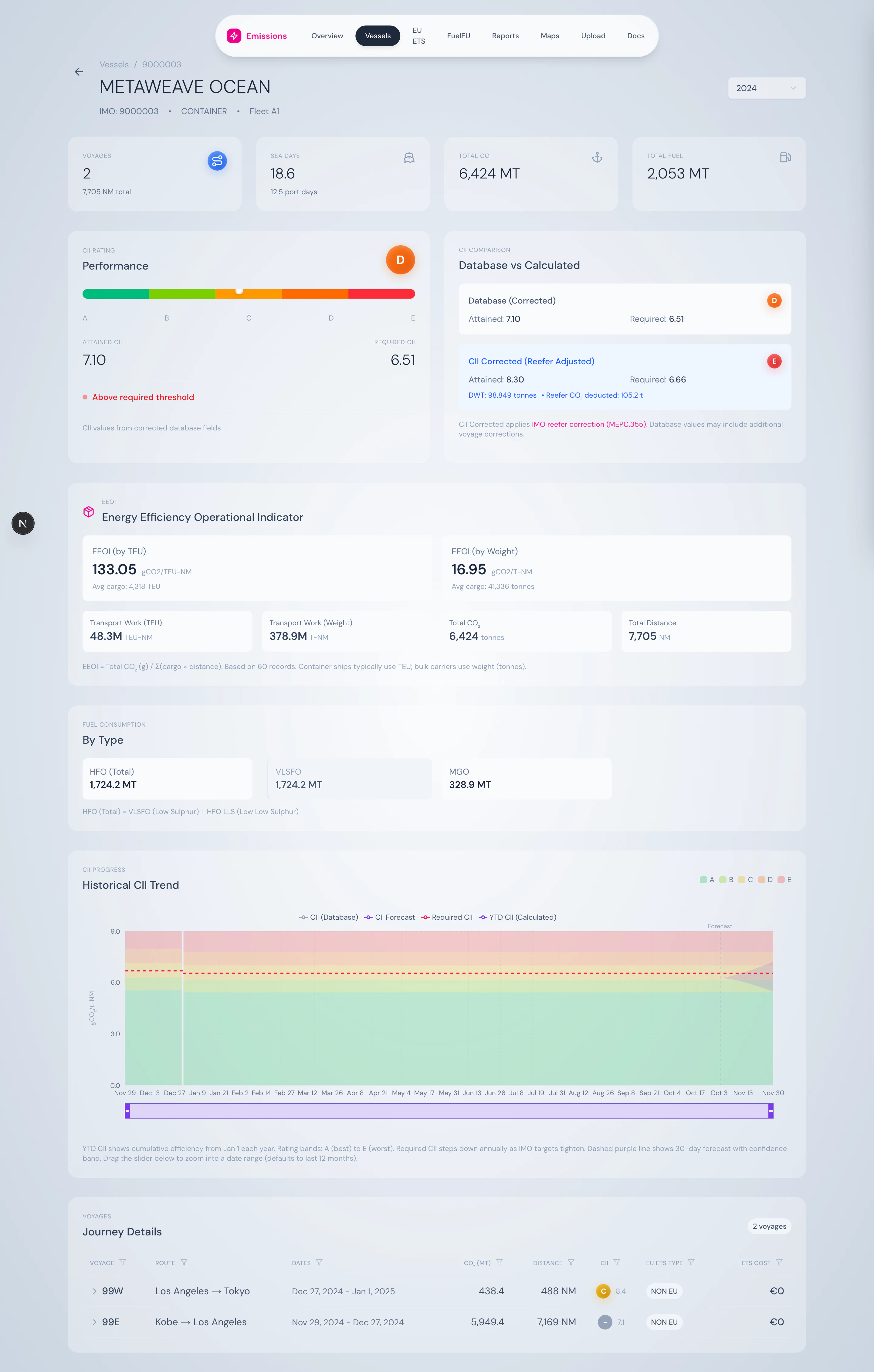
Click any row in the fleet table. The vessel page shows a CII gauge, EEOI by TEU and by weight, fuel breakdown, and a 12-month rolling chart with required CII step lines.
Vessel detail — CII gauge, comparison box, and rolling chart.
4
Expand a voyage
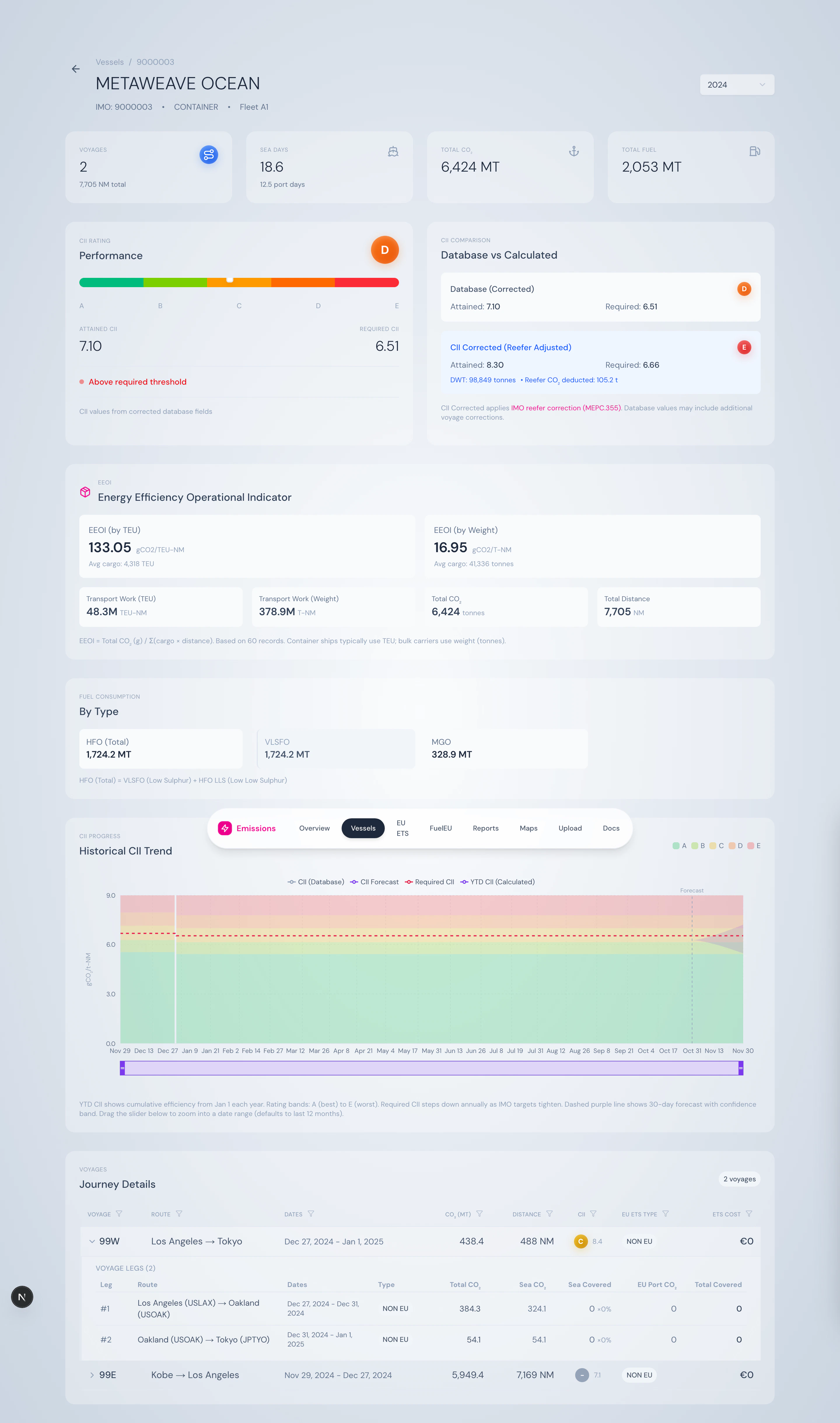
The voyages table on the vessel page is expandable. Click a row to see the leg-by-leg breakdown with EU ETS coverage applied to each segment.
Voyages expand into legs showing covered CO₂ per segment.
5
Check EU ETS exposure
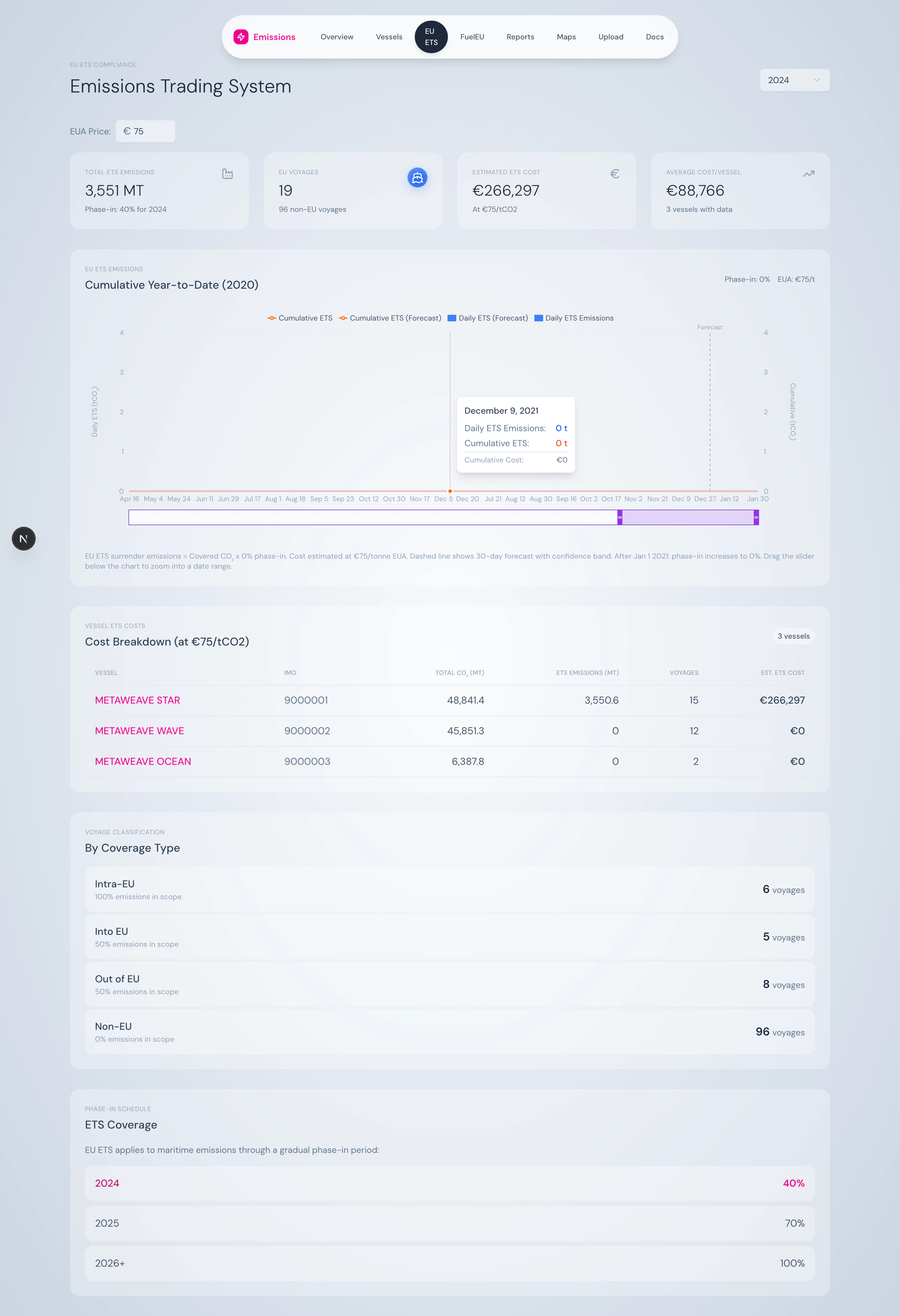
The EU ETS dashboard shows the year’s phase-in factor, voyage classification breakdown, and cost projection at the configured EUA price.
EU ETS — phase-in banner, voyage types, and leg coverage.
6
Generate a report
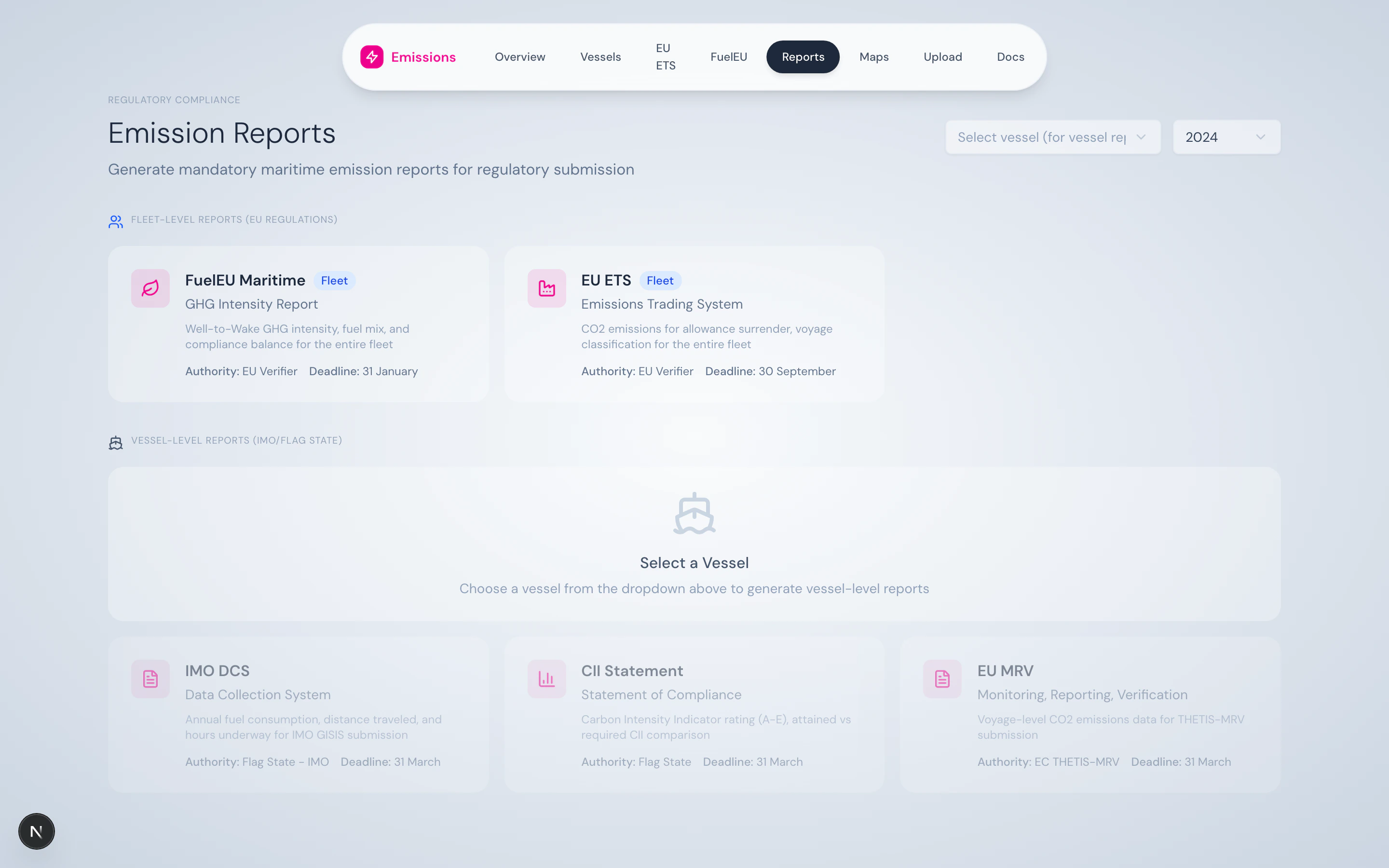
The Reports hub centralises all five regulatory outputs. Pick a vessel, pick a report, hit download.
Reports hub — vessel-level and fleet-level reports in one place.