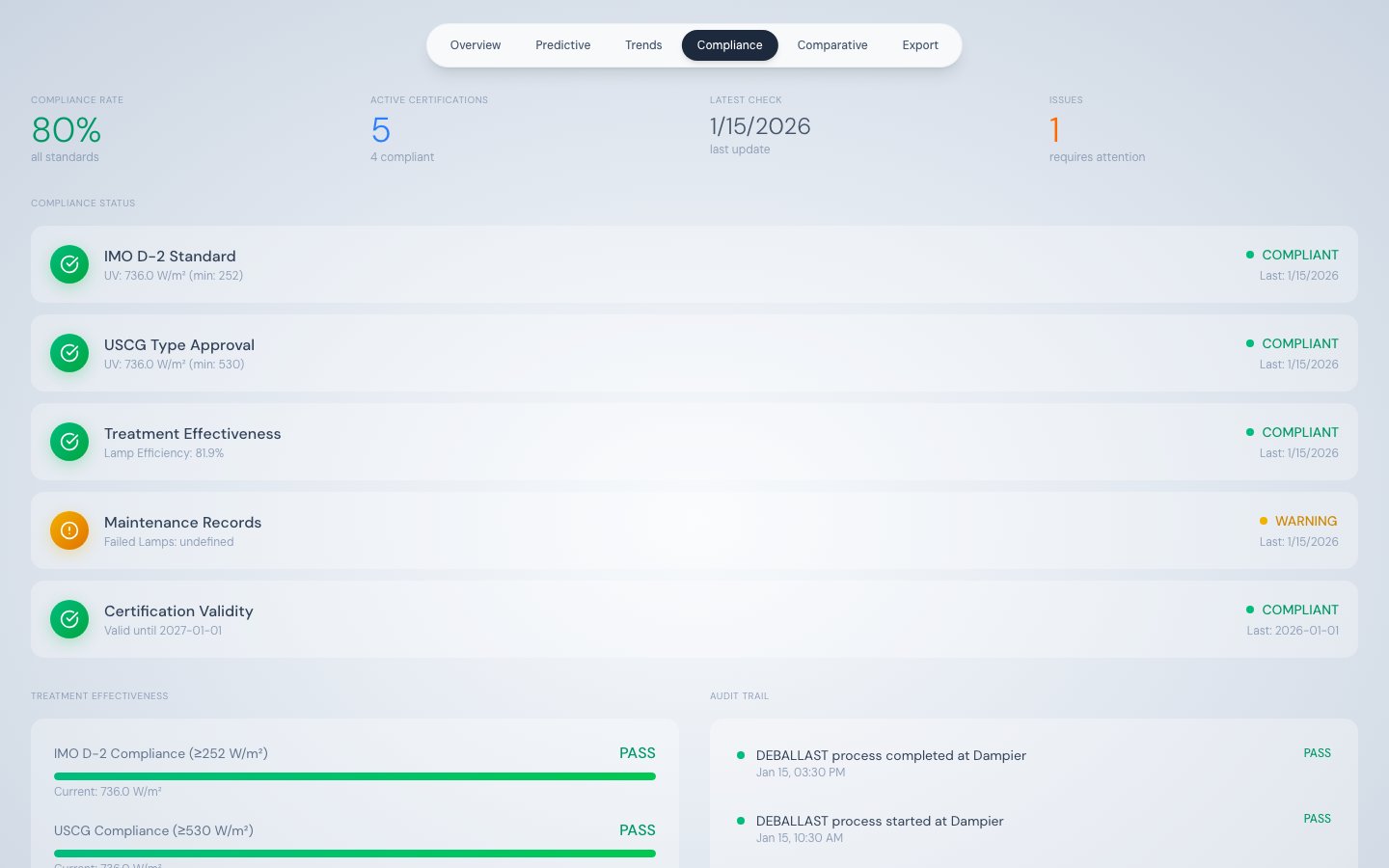
Documentation Index
Fetch the complete documentation index at: https://docs.appliedaifoundation.org/llms.txt
Use this file to discover all available pages before exploring further.
What this tab shows
The Compliance tab performs real-time checks against two international regulations — IMO D-2 and USCG — using the most recent telemetry record. It also tracks treatment effectiveness, maintenance record status, and certification validity in one consolidated view.
Data sources:
/api/telemetry/latest — for all live compliance values
/api/events?limit=20 — for the audit trail
Summary stat row
| Stat | Description |
|---|
| Compliance Rate | Percentage of the five compliance items that show COMPLIANT |
| Active Certifications | Total number of compliance items being tracked |
| Latest Check | Timestamp of the most recent telemetry record used for checks |
| Issues | Count of items showing WARNING or NON-COMPLIANT |
The five compliance items
| # | Item | Logic | Compliant threshold |
|---|
| 1 | IMO D-2 Standard | UVR_INTENSITY >= 252 | ≥ 252 W/m² |
| 2 | USCG Type Approval | UVR_INTENSITY >= 530 | ≥ 530 W/m² |
| 3 | Treatment Effectiveness | AVG_LAMP_EFFICIENCY >= 70 | ≥ 70% average lamp efficiency |
| 4 | Maintenance Records | FAILED_LAMP_COUNT === 0 | Zero failed lamps |
| 5 | Certification Validity | Static expiry date check | Certificate not expired |
Status indicators
| Icon | Status | Meaning |
|---|
| Green circle (✓) | COMPLIANT | Threshold met |
| Yellow circle (!) | WARNING | Marginal zone — threshold approached or partially met |
| Red circle (✗) | NON-COMPLIANT | Threshold not met — action required |
Treatment Effectiveness panel
Three horizontal progress bars show how far current values are from their compliance thresholds:
| Bar | Calculation | Full = |
|---|
| IMO D-2 Compliance | UVR_INTENSITY / 252 | 100% at 252 W/m² |
| USCG Compliance | UVR_INTENSITY / 530 | 100% at 530 W/m² |
| Avg Lamp Efficiency | AVG_LAMP_EFFICIENCY | 100% at 100% efficiency |
Each bar shows the actual numeric value below it. Use these bars to monitor proximity to threshold limits — a bar at 80% of fill means there is a 20% margin before non-compliance.
Audit Trail
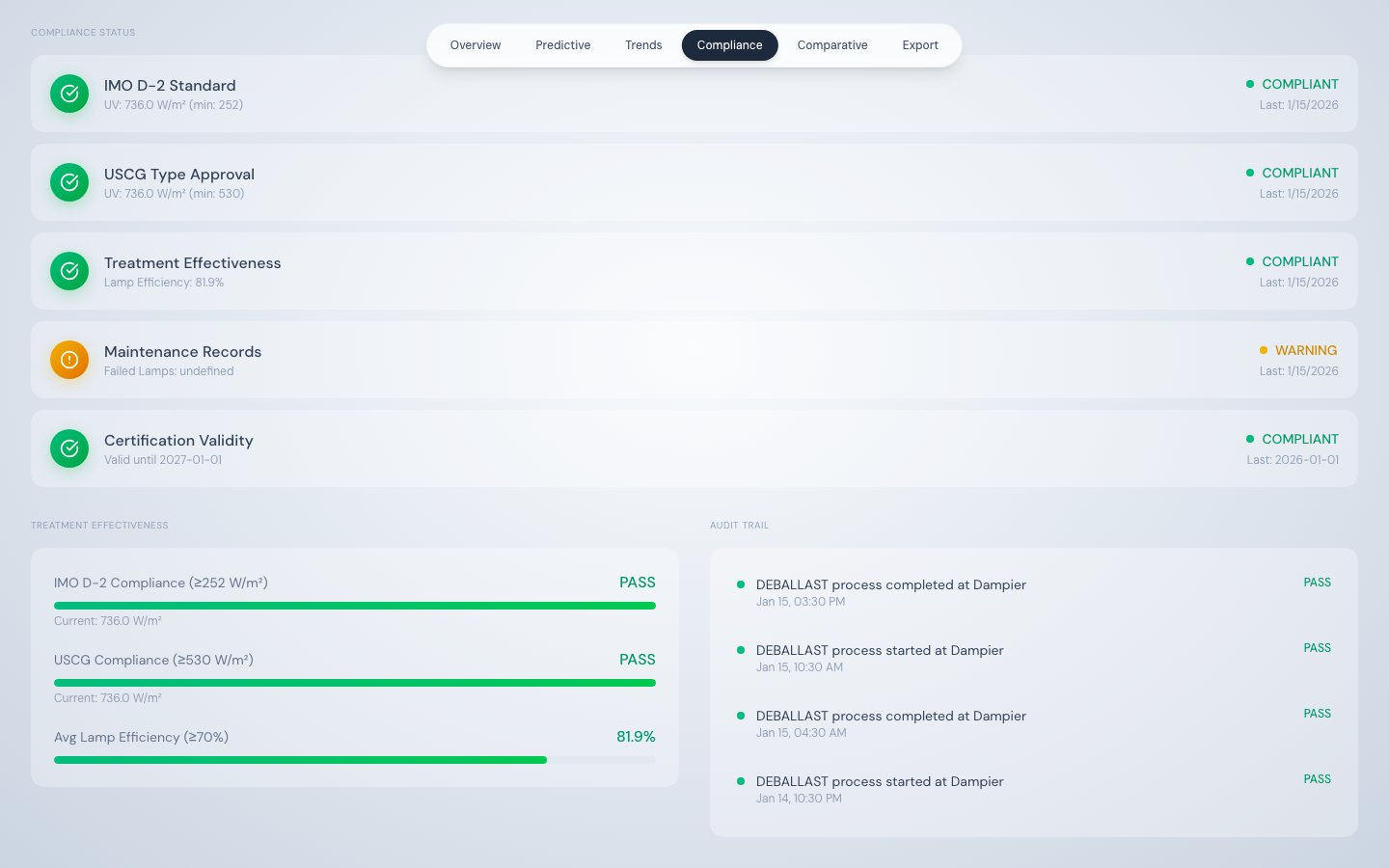
The Audit Trail panel shows the last 8 system events in reverse chronological order. Each entry displays:
- Timestamp — UTC datetime of the event
- Event type and description — human-readable summary
- Result — PASS for process start/stop events, ALERT for alarm events
| Event type | Displayed result |
|---|
| PROCESS_START | PASS |
| PROCESS_STOP | PASS |
| ALARM_TRIGGERED | ALERT |
Important limitation
The Compliance tab performs real-time checks on the most recent telemetry record only. It does not query a stored compliance log or historical compliance record. For official record-keeping and regulatory submissions, use the Data Export tab to download complete timestamped telemetry covering the full voyage period.