

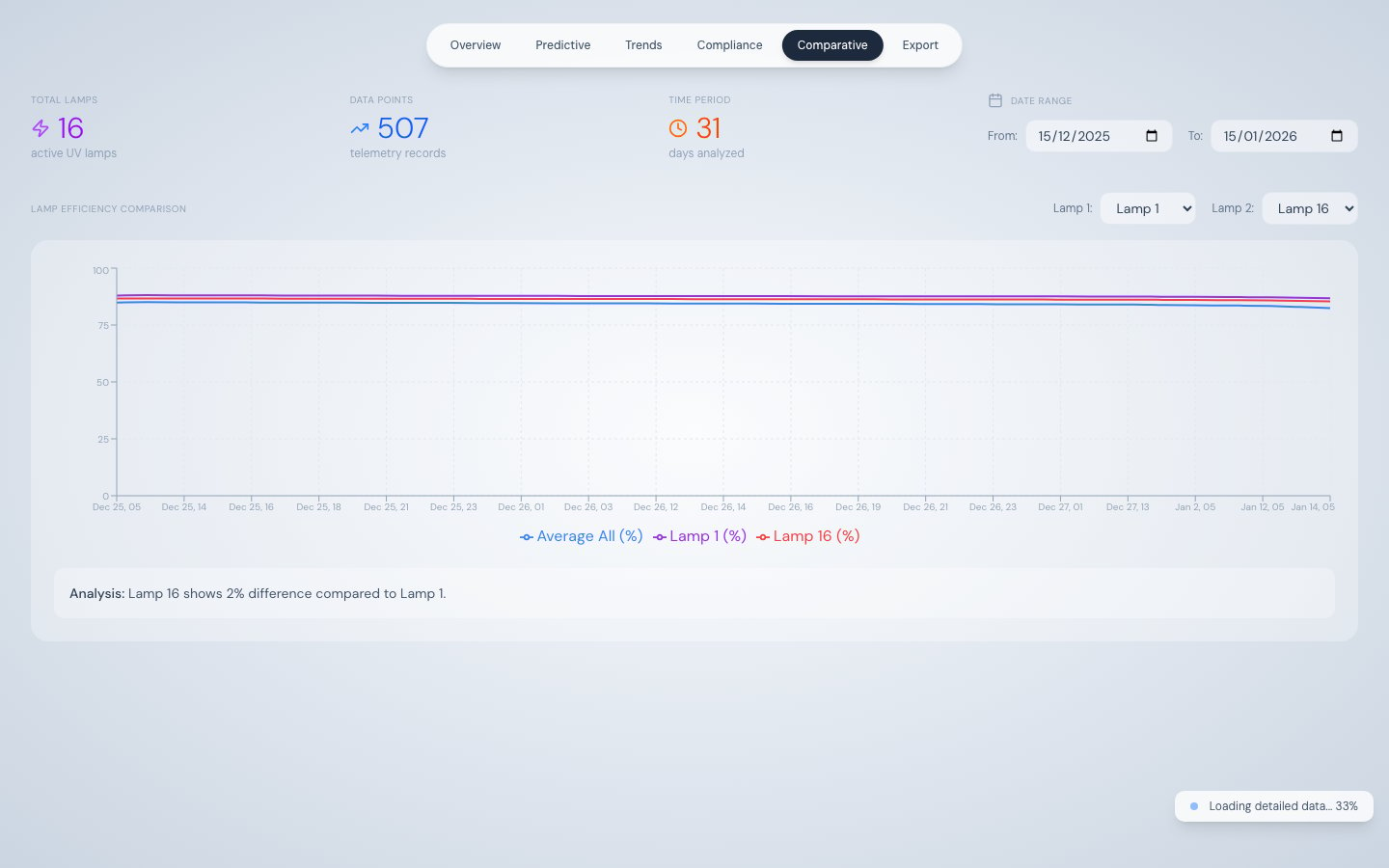
Comparative Analysis — lamp-to-lamp efficiency comparison over time
What this tab shows
The Comparative Analysis tab plots two selected UV lamps side-by-side on a single chart, along with the fleet average efficiency across all 16 lamps. This makes it easy to:- Compare a recently replaced lamp against an aged one to confirm the replacement was effective
- Identify lamps at opposite positions in the diamond array that show asymmetric degradation (possible flow distribution issue)
- Spot whether a lamp’s decline is isolated or part of a broader fleet-wide trend
Default selection
On first load, the tab compares Lamp 1 vs Lamp 16 over the previous 30 days. Both lamp selectors and the date range can be changed at any time.How data loads
The same two-stage progressive loading pattern used by Trend Analysis applies here:- Stage 1 — Daily aggregated data renders the chart immediately
- Stage 2 — Raw 500-record chunks stream in the background, sharpening the chart to hourly resolution
Lamp selector
Two dropdowns at the top of the tab select Lamp 1 and Lamp 2. Each offers Lamp 01 through Lamp 16. When the selection changes, the chart re-renders from already-loaded data — no additional API call is made.Chart detail
Analysis sentence
Below the chart, an automatically generated sentence computes the percentage difference between the two lamps’ most recent efficiency values. For example:“Lamp 5 is operating at 4.2% higher efficiency than Lamp 12 based on the latest data.”