

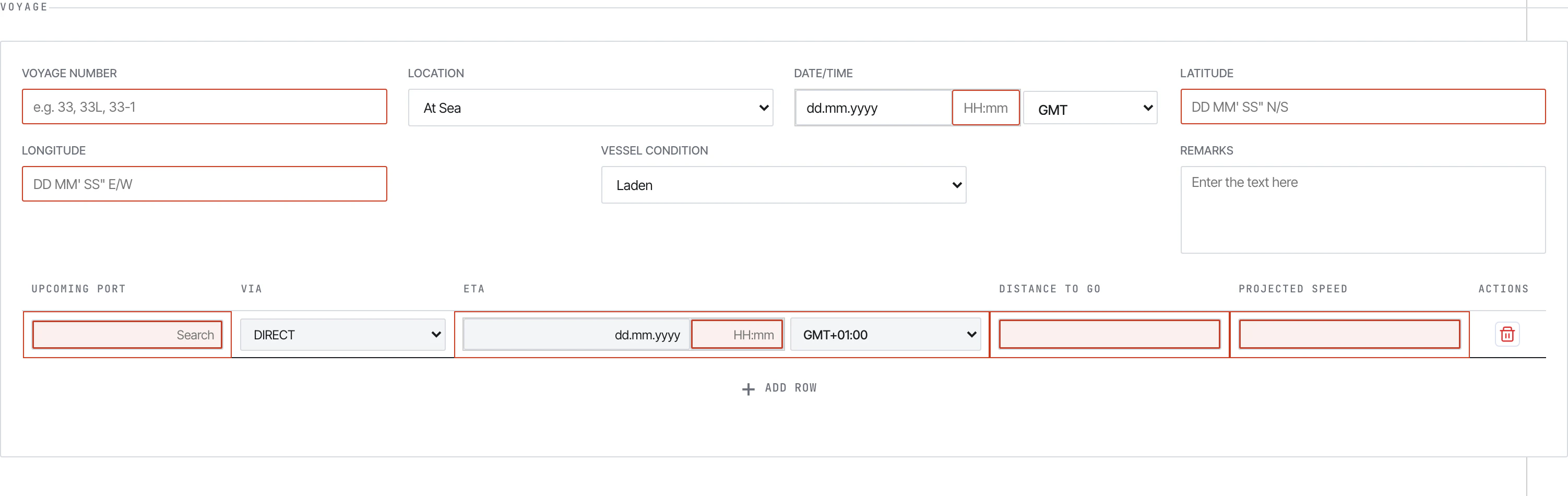
Noon Report — voyage section. The form runs entirely in the browser and submits by email.
What is this?
Metaweave is a maritime voyage reporting system used by vessels to send daily performance, port, and bunker data back to shore. It has three parts:The Form
A single-file HTML form the crew opens in Chrome. Validates input, encrypts the payload, and submits by email.
The History Viewer
A read-only HTML viewer that browses every report the vessel has ever submitted, archived locally as
history.json.The Pipeline
A Python ETL that fetches the submission emails from Outlook, decrypts them, and upserts to PostgreSQL.
What it covers
Who it’s for
- Vessel Masters and officers — fill the daily forms and click Submit.
- Shore performance teams — receive the emails, run the pipeline, query PostgreSQL.
- Office staff — pre-configure the form per vessel (IMO, validation limits) and ship the bundle to each ship.
- Anyone reviewing past reports — open the History Viewer, browse, export to Excel/CSV.
What’s next
5-minute tour
From opening the form to a row in Postgres — the whole loop in one walkthrough.
Filling a Noon Report
Section-by-section walkthrough of each report type.
Setting up history.json
How the office configures the form, links the file on the vessel, and what gets archived per Submit.
Running the pipeline
python -m src.main — fetch from Outlook, decrypt, upsert.